How to Choose a Laptop for Remote Work in 2026
The best remote-work laptop balances battery life, keyboard comfort, and performance for the apps you actually use.

Start with your workload
A writing and calls laptop has different needs than a video editing or coding machine. List your daily apps first, then buy for that reality instead of headline specs.

Screen and keyboard matter
Remote work means hours on the same device. A bright 14- or 16-inch display and a comfortable keyboard usually improve daily experience more than a small CPU bump.
Battery and ports
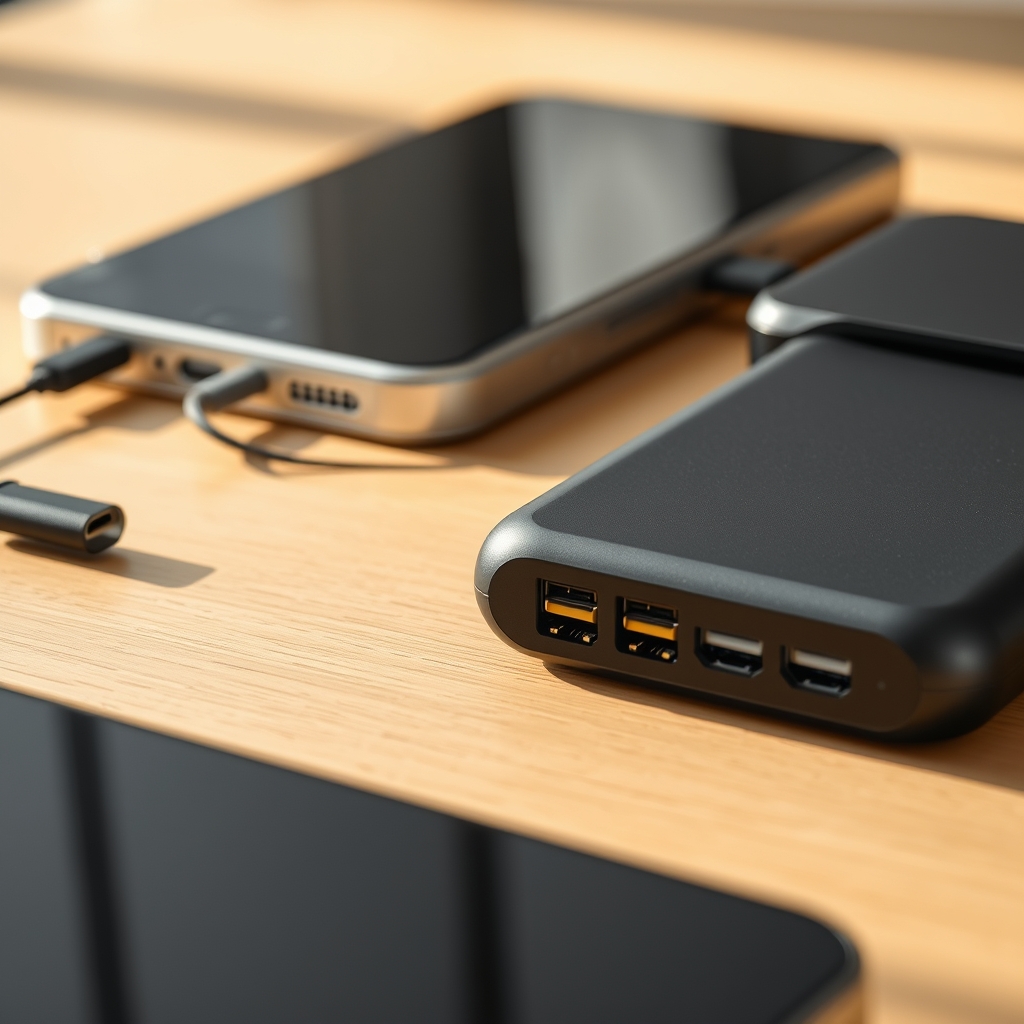
Check real-world battery tests, not just manufacturer claims. Useful ports, stable Wi-Fi, and a good webcam save you from carrying dongles and fixes everywhere.
RAM and storage sweet spots
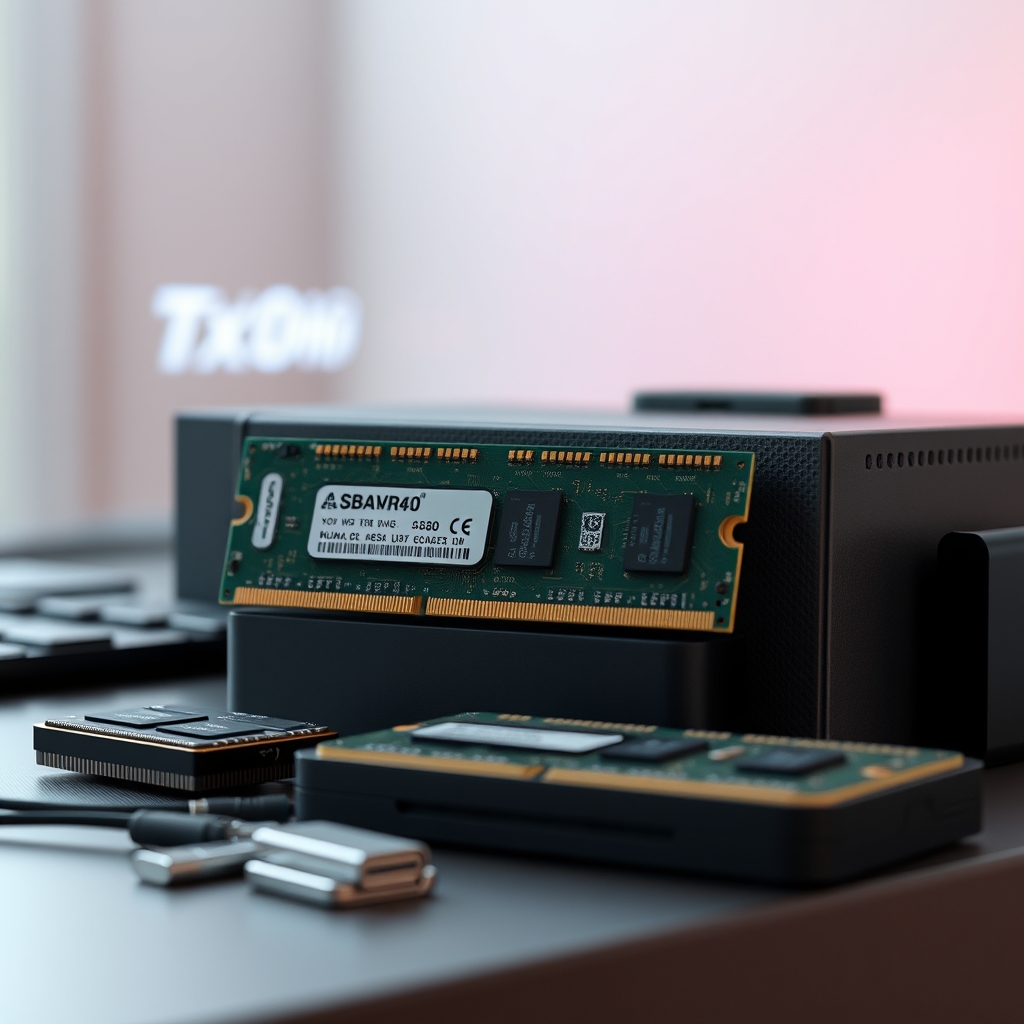
For most professionals, 16 GB RAM and 512 GB SSD is the practical floor. Choose more only if your workflow proves it needs the headroom.
Buy for longevity
A solid build, available parts, and software support window make a laptop cheaper over three years. The lowest price today can be the expensive choice later.
Need help applying this? Contact us or call our phone line for a quick consultation.
Practical digital insights for builders and marketers.