Controlio: Smart Time Tracking for Modern Teams in 2025
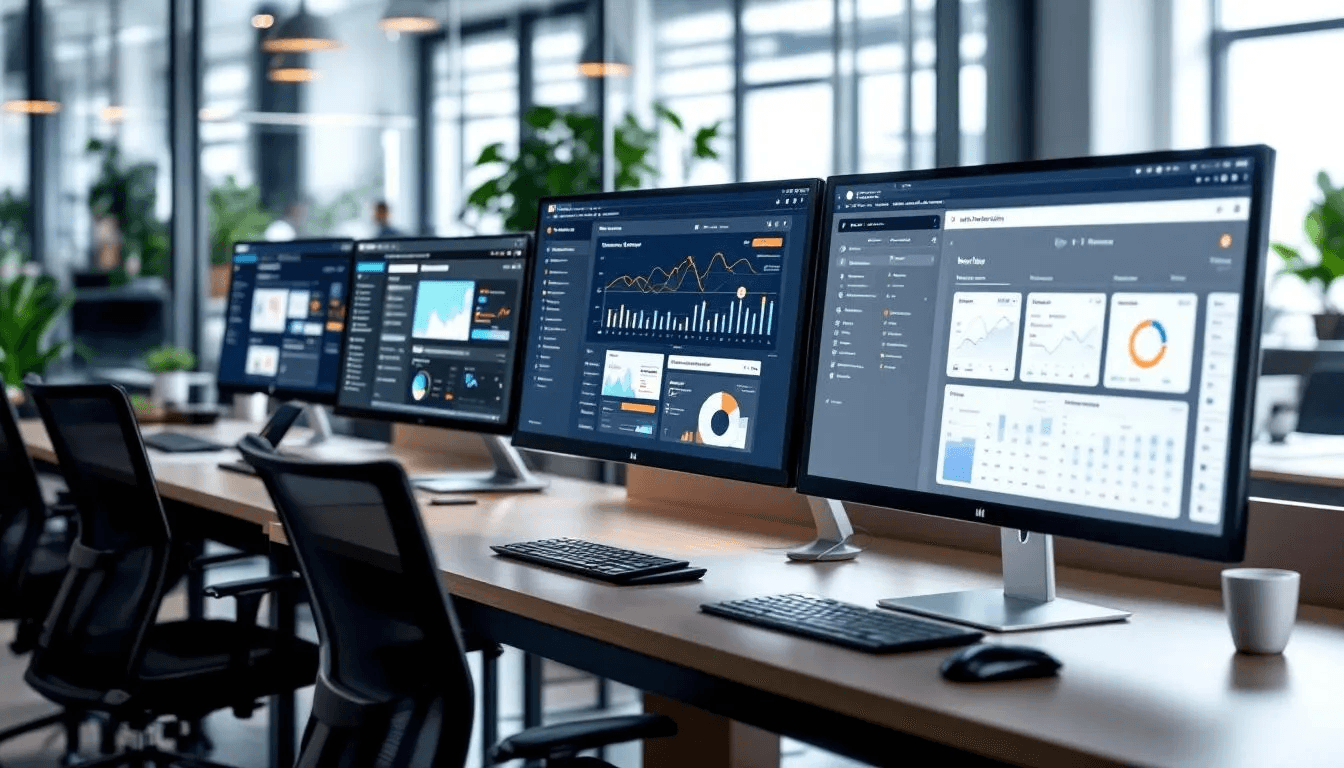
In a remote or hybrid setting, having insight into how your team spends their time is key for team success. Time tracking software can make a significant impact on remote team productivity, ensuring billable hours are properly tracked, productivity is maximized, and hours are being properly tracked for payroll.
I have been testing productivity software for a long time. I have used everything from very basic timers to complex monitoring systems and everything in between. Some software was so basic that it did not provide any useful insight, and some software was so complex that it killed productivity. That’s why discovering Controlio software was very exciting to me; it’s a complete solution that has a perfect balance between being easy to use and design and having very powerful features.
Let me share some of the things that I believe Controlio does that stand out, and as a result, enable me to help you determine if it is a fit for your team.
What is Controlio?
Controlio is sophisticated time tracking software and a monitoring solution for companies that want to delve deeper into the visibility of their employee productivity. Controlio, unlike basic employee timers that charge by the hour and have automation time tracking features paired with smart activity tracking, so you can understand all the ways your work hours are being used, not just how they are tracked.
The platform monitors employee usage across different apps, measures activity, and produces detailed reports on employee productivity, all of which takes place in the background.
Most impressive to me is how it manages to break down information so that it is actionable rather than inundating you with numbers.
Key Features
Automatic Time Tracking
With Controlio, time is tracked automatically without the need for constant manual time entries. Once the software is installed, it runs in the background for the entire workday and records activity. This ultimately solves the issues of manual time tracking. No more timers, and no more guesswork at the end of the day.
In my testing, the system’s accuracy in time tracking was impressive. It tracked time spent on work applications and time that was spent on personal browsing. It was able to accurately trace time that was spent working versus time that was spent not working and not active.
Intelligent Activity Monitoring
The Controlio Tool is able to analyze employees’ activity in various applications and websites and, based on the circumstances of the organization, classify the activity as productive, unproductive, or neutral.
In my testing with the content team, the tool differentiated productive writing time in Google Docs from social media work where the social media manager was working on the social media platforms. This contextual intelligence means that managers do not have to do the work of categorizing applications, which is one less task that they have to do.
Visual Activity Tracking
In Controlio, the mouse and keyboard activity level is tracked, and screenshots can be taken at various points in time. This can bring up privacy issues, but the most important thing is to be open about it.
When I presented this to my team, there were sit-down conversations around monitoring, and trust was built when we made adjustments to settings that turned off screenshots during breaks.
Detailed Reporting
Clean visuals allow you to quickly identify automatic trends, and then you can break down reports by employee, team, department/division, and company-wide. Is there new software that you want to compare productivity trends with? It’s there.
Real-Time Tracking
For managers that need instant access, Controlio provides real-time tracking of what the team is working on. I reserve this for urgent tasks and troubleshooting.
Intelligent Absence Control
Controlio also auto-logs when employees start and stop work during the day; I think this is the most useful for spotting burnout. If someone consistently works 10-11 hour days with less and less productivity, you’ll want to check on them to see if they need help.
Evidence from Real Life
Marketing Agency Case: A 30-person agency found that the client revisions took 40% more than what they had planned. They revised the contracts to have changes included with the revisions, and the agency’s profitability increased by 18% in the first quarter.
Software Startup Case: A startup company with remote developers used Controlio to maximize the hours of collaboration. It was discovered that meetings were scheduled during the coding hours for 50% of the team.
Rescheduling meetings led to a 12% increase in sprint velocity.
Support Team Win: A customer support department started noticing drops in productivity in the afternoon. They started investigating and found that the ticketing system had a technical issue that was causing the drops. After that issue was resolved, productivity and customer support satisfaction improved again.
The Benefits You’ll Gain
Accurate Billing: Forgetting to track hours is a thing of the past with fully automated billing. You’ll never overcharge or undercharge clients again.
Data-Driven Decisions: Rather than making decisions on gut feelings, you can now make them on actual work patterns and trends.
Better Resource Allocation: By understanding where your teams spend the majority of their time, you can staff your projects accordingly and know when to expand the team.
Remote Team Visibility: Gain the oversight that physical offices naturally provide without intrusive practices.
Improved Planning: Historical data about task duration improves future project estimates and deadline setting.
Considerations Before Implementing
Privacy Concerns: Employees may not enjoy, or be apprehensive towards, detailed monitoring. What’s monitored and why should be clear.
Setup Complexity: Getting the privacy set up right takes time, in a thoughtful way.
Cost for Small Teams: The feature set justifies the cost for most organizations, but for very small businesses the investment may be higher than simpler alternatives.
Cultural Fit: Organizations with strong autonomy in their culture may want to think about how monitoring tools fit with their values.
Starting Off on the Right Foot
Be Open: Before the monitoring tool is launched, explain what will be tracked and why it is happening. Address their concerns and be honest about your goals, whether it is to allocate resources better, monitor billing, or track productivity.
Start Small: Deploy the tool to one team or one department so you can work through any configuration issues and ensure that the tool doesn’t disrupt their work before wider rollout.
Adjust Settings: Work with your team to set appropriate boundaries. You may decide that screenshots are unnecessary or that tracking should only occur during the workday.
Focus on the Right Metrics: Data should be used for support and optimization, and the system should be designed to help employees work more effectively.
Review Often: Assess your monitoring strategy on a quarterly basis to determine whether the tool is helping to achieve your goals.
FAQs
Q1: Is Controlio for small companies or just for enterprise-level companies?
Controlio does scale effectively from smaller companies to the enterprise level. I have seen it work well in companies that are anywhere from 5 employees to 500 employees. The most important executive factor is whether you need deep workforce analytics, beyond just logging time. If you have just a few freelancers that you need to track billable hours for, more basic tools could save you money.
Q2: How should I approach employee privacy?
There is no doubt that monitoring tools are a big privacy concern. This is why being honest about what is being tracked is important.
It is important to hold team meetings to clarify what is going to be monitored, the reasoning behind it, and what is done with the collected data. Explain what privacy settings will be used. Remember, the goal is to help employees be more productive, not to spy on them. Some employees may want to help determine what the limits are for monitoring. Concerns will dwindle once employees know the real purpose and limits of monitoring.
Q3: Can Controlio track time on specific client projects for billing?
Yes, Controlio allows for the tagging of apps and activities to specific projects or clients for billing purposes. This is very beneficial to consulting and agency businesses with hourly billing, as it is an automated way to track time so that nothing is missed. When billing time is captured, it is not based on memory (which, for obvious reasons, results in underbilling).
Q4: What happens if the internet connection drops?
Controlio will track work done on the device during the offline time. Once the device is connected to the internet again, Controlio will upload the work that was done so that no work time is lost.
Final Thoughts
… From my testing, I believe that there are very few solutions as comprehensive as Controlio for workforce analytics in 2025. Controlio provides a middle ground between basic time tracking solutions and more advanced enterprise-grade solutions. Functions in Controlio are so comprehensive that no dedicated IT is needed.
Controlio, however, is not for every organization.
Integration with Controlio is possible for all levels of reporting. If all you need is basic time reporting for billing, Controlio may be overkill, and other, simpler, and more autonomous options may be more suitable for your work environment. If culture favors autonomy over visibility, less detailed tracking may be your answer. For heavily integrated and more sophisticated productivity analysis, especially for billing, more flexible resource allocation, or more effective remote management of Controlio, more value is added ultimately. Controlio requires a more thoughtful, transparent, and constructive decision framework but is ultimately more value-added. For productive time tracking for
In most modern organizational work environments, Controlio, time tracking software, is essential. Smarter working is only achievable with Controlio. Low-value time allocation is only a problem that Controlio can solve. If you charge for time, there is very little reason to not spend a little time trialing Controlio to see if you and your team feel Controlio is the right fit for your organization.


